 By KruxLabs · Powered by V-Modal
Find any fashion look
in any video
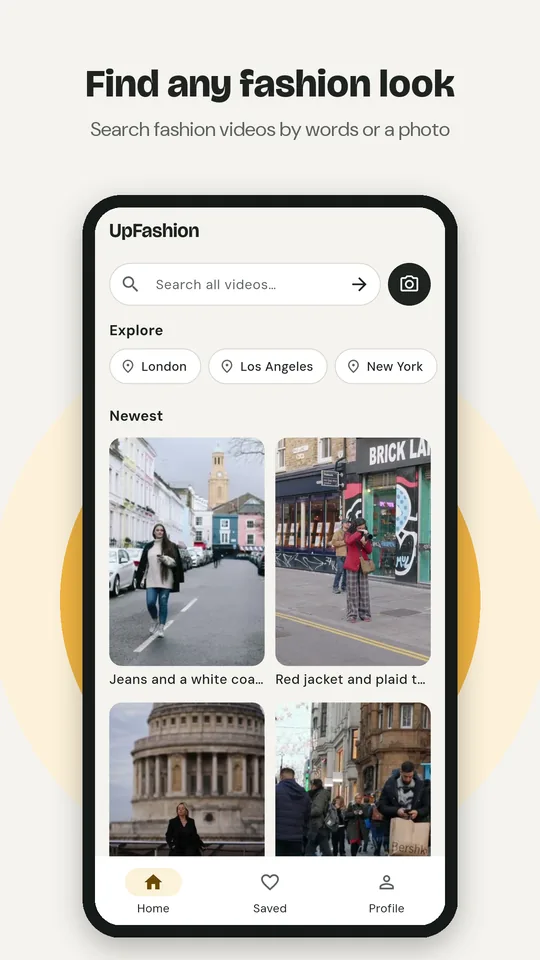
See an outfit you love? Type what it is or show a photo — UpFashion jumps straight to the second it appears. Powered by V-Modal video search.
In closed testing on Google Play. Public release planned for November 2026.
A minute and a half of it working
The promo video: searching by words and by photo, landing on the moment, and saving the look.
See it in action
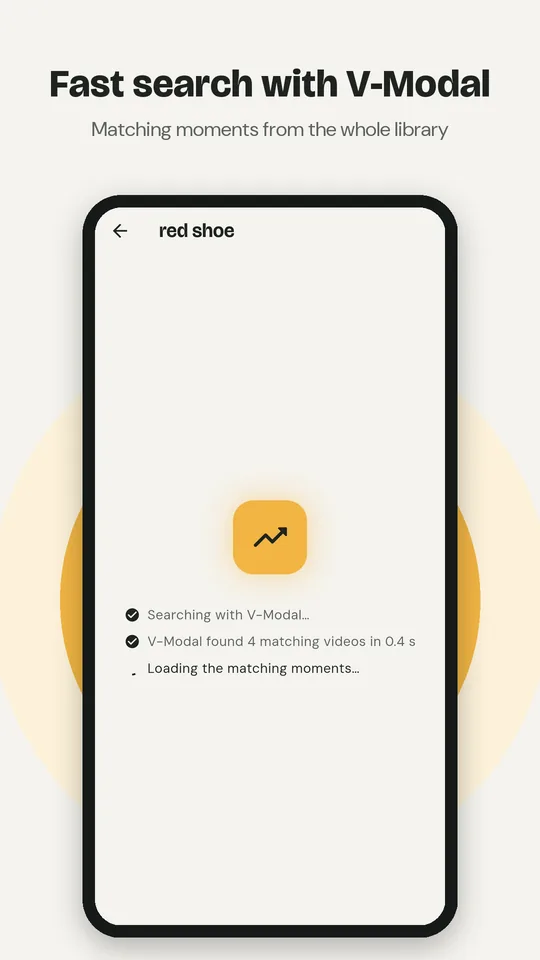
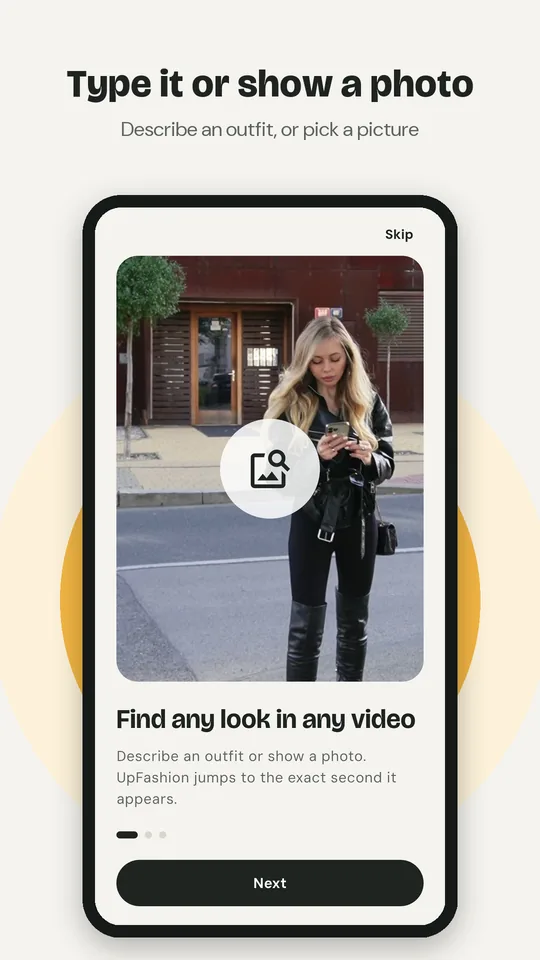
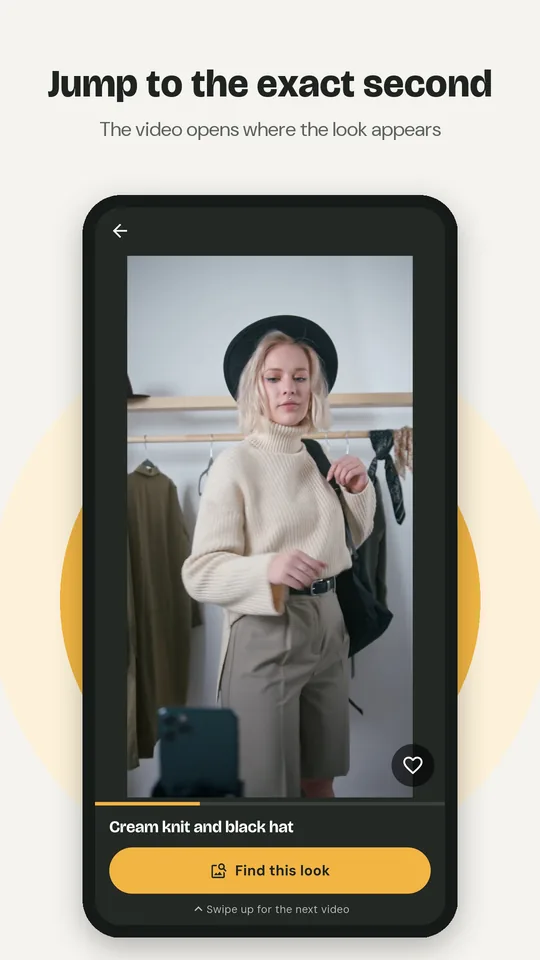
Eight screens from the build now in closed testing.
Scroll sideways for more →
Words or a photo
Type “black coat” or “white sneakers”, or pick a picture from your phone. Both search the same video library.
The exact second
No scrubbing through a ten-minute video. It opens at the moment the look appears, every time.
Find this look
Pause on any outfit and tap “Find this look” to see similar styles across the other videos.
Three steps to the look
Search or browse
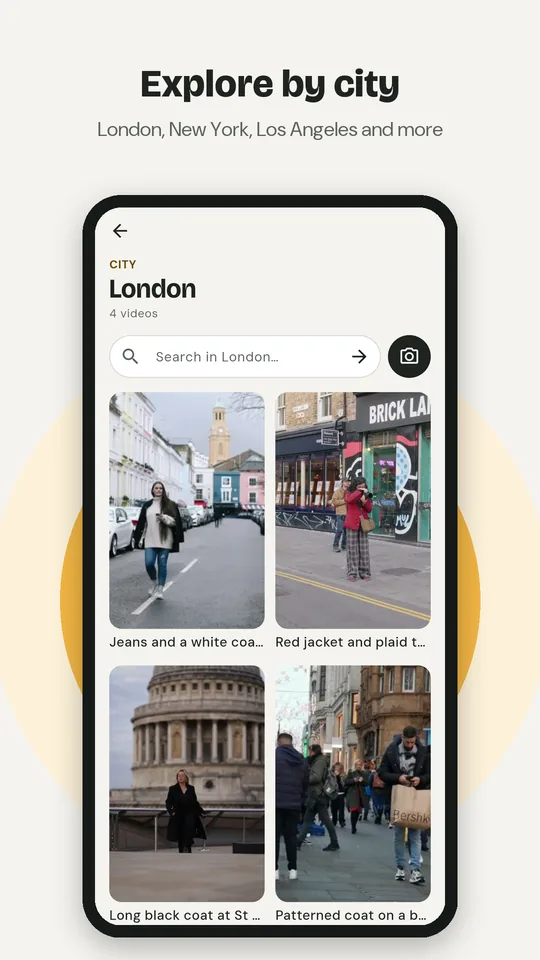
Describe an outfit, show a photo, or explore by City, Influencer, Event and Brand.
Land on the moment
V-Modal finds the matching moments and the video opens right where the look is.
Save or download
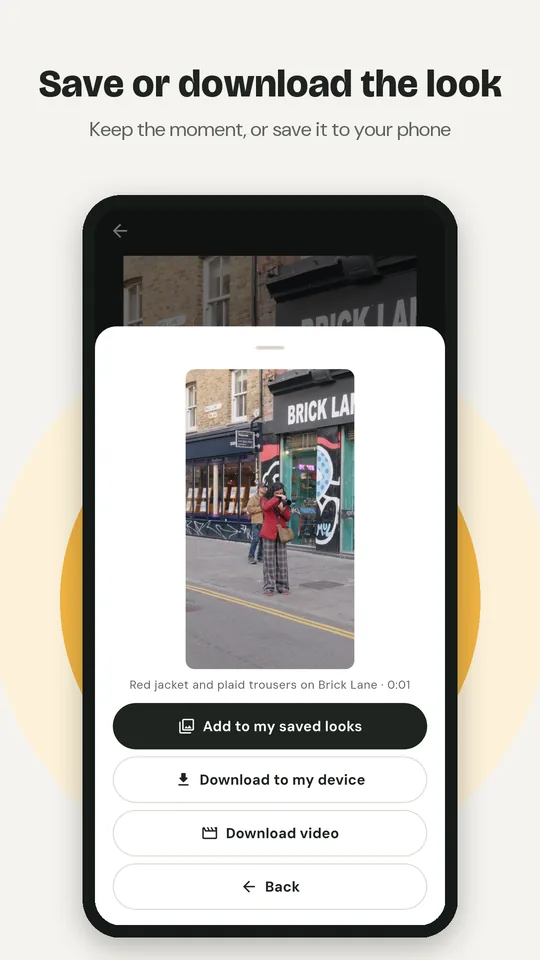
Keep it in your saved looks, or download the picture or the video to your phone.
Fashion video, searchable by the second
Street style from London, New York and Los Angeles, indexed so you can ask it for one thing and get that one thing.
Fashion video is full of outfits you would copy if you could find them again. UpFashion searches inside the video itself — not the title, not the tags — so a search for a red shoe lands on the frame with the red shoe in it.
In the app
- Search by typing what you are after, or by picking a photo from your phone.
- Every result opens the video at the second the matching look appears.
- Browse by City, Influencer, Event and Brand, newest videos first.
- Pause on any outfit and tap “Find this look” for similar styles elsewhere.
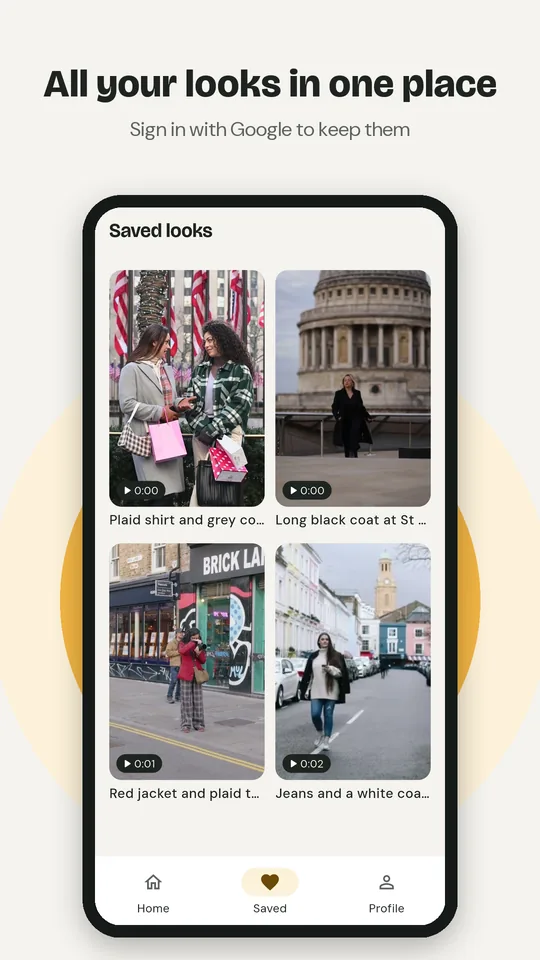
- Save looks to your collection, and open them on any phone you sign in on.
- Download a picture of the moment, or the video, to your phone.
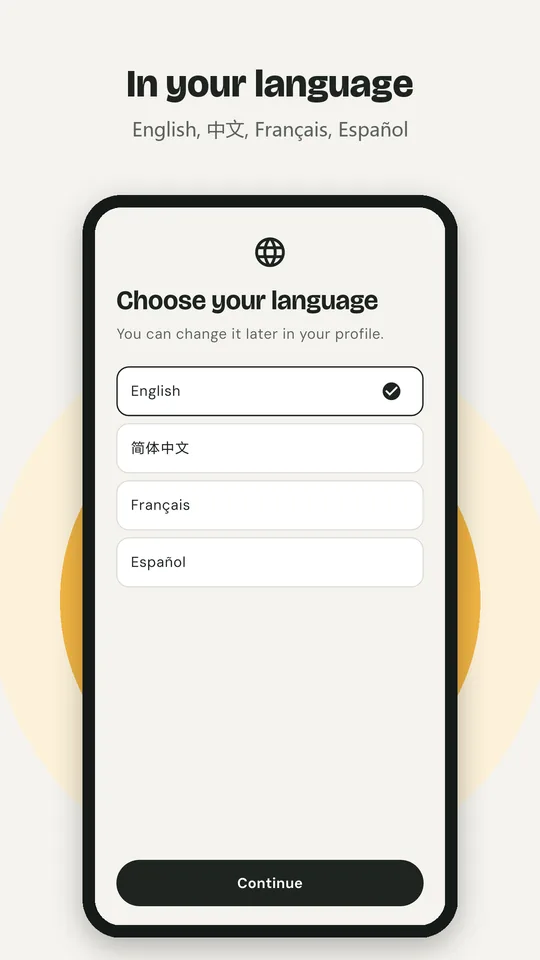
- Available in English, 中文, Français and Español.
Browse without an account
Searching and watching need no sign-in at all. Sign in with Google only when you want your saved looks to follow you between phones.
Powered by V-Modal
V-Modal does the video search — it is what turns a handful of words, or one photo, into a timestamp in the right clip.
No ads. Nothing for sale. Just the outfit, and the second it shows up.
Closed testing now, public release November 2026
UpFashion is in closed testing on Google Play. There is no public store listing yet — this page will carry the link the day there is one.
Privacy Policy
What the app uses, who processes it, and how long it is kept. You can browse without an account at all.
Delete your account
Delete your account and every saved look from inside the app, or ask us by email.
Flutter · Firebase Auth · Cloud Firestore · Cloud Functions · Cloud Storage · V-Modal
A KruxLabs product. See what else we build →